A printer can make a clear code on a loose sample and still miss the usable area on a moving pack. Choose industrial inkjet printing by the surface, message and installed station, then test the restart and fault behaviour you need from the line.
This guide is for a packaging team defining a coding requirement. If the method is already chosen, use the substrate trial record to investigate adhesion.
Start with the code location
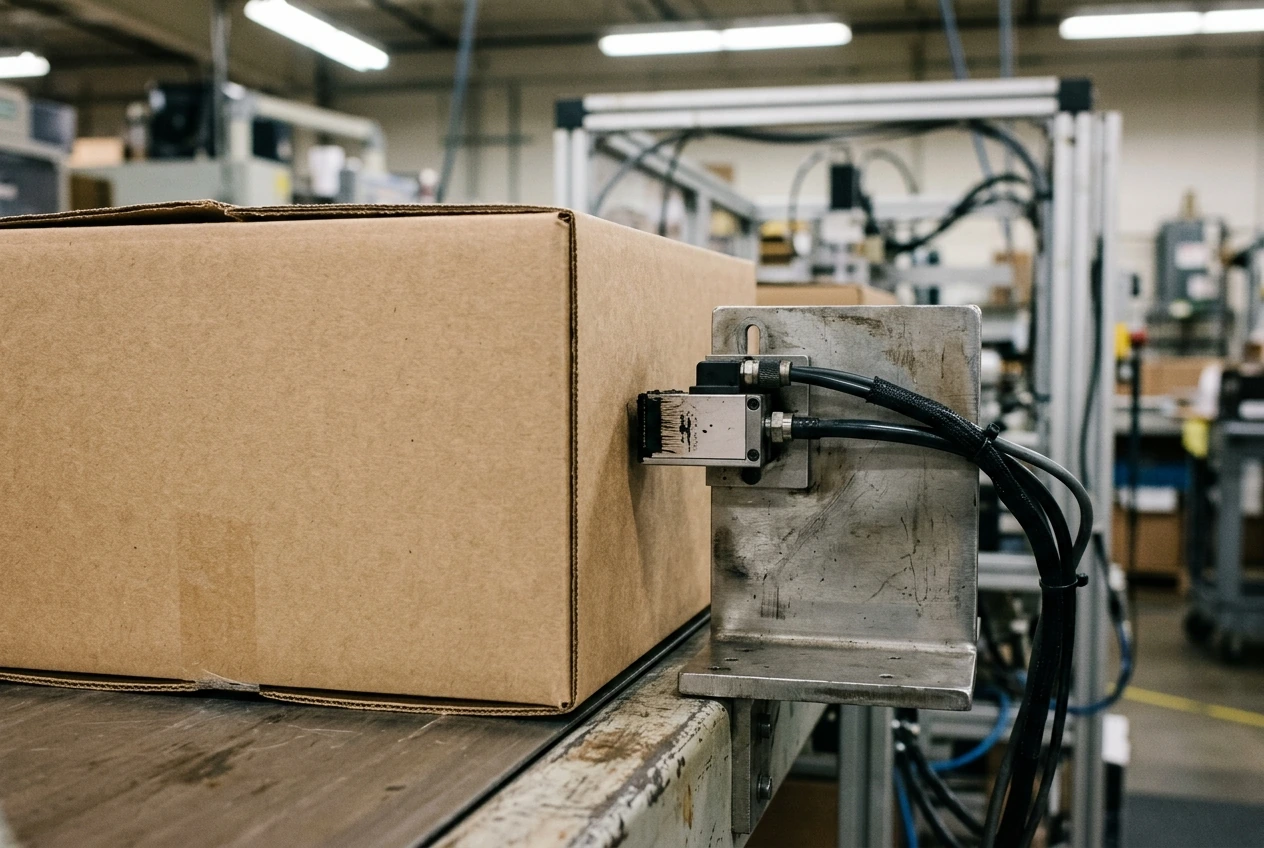
Mark the intended code area on a package drawing, including the faces that guides, belts and downstream packs touch. State whether the code is on a flat panel, curved wall or unsupported film. Record the package orientation at the proposed station, rather than assuming the artwork view represents its travel through the line.
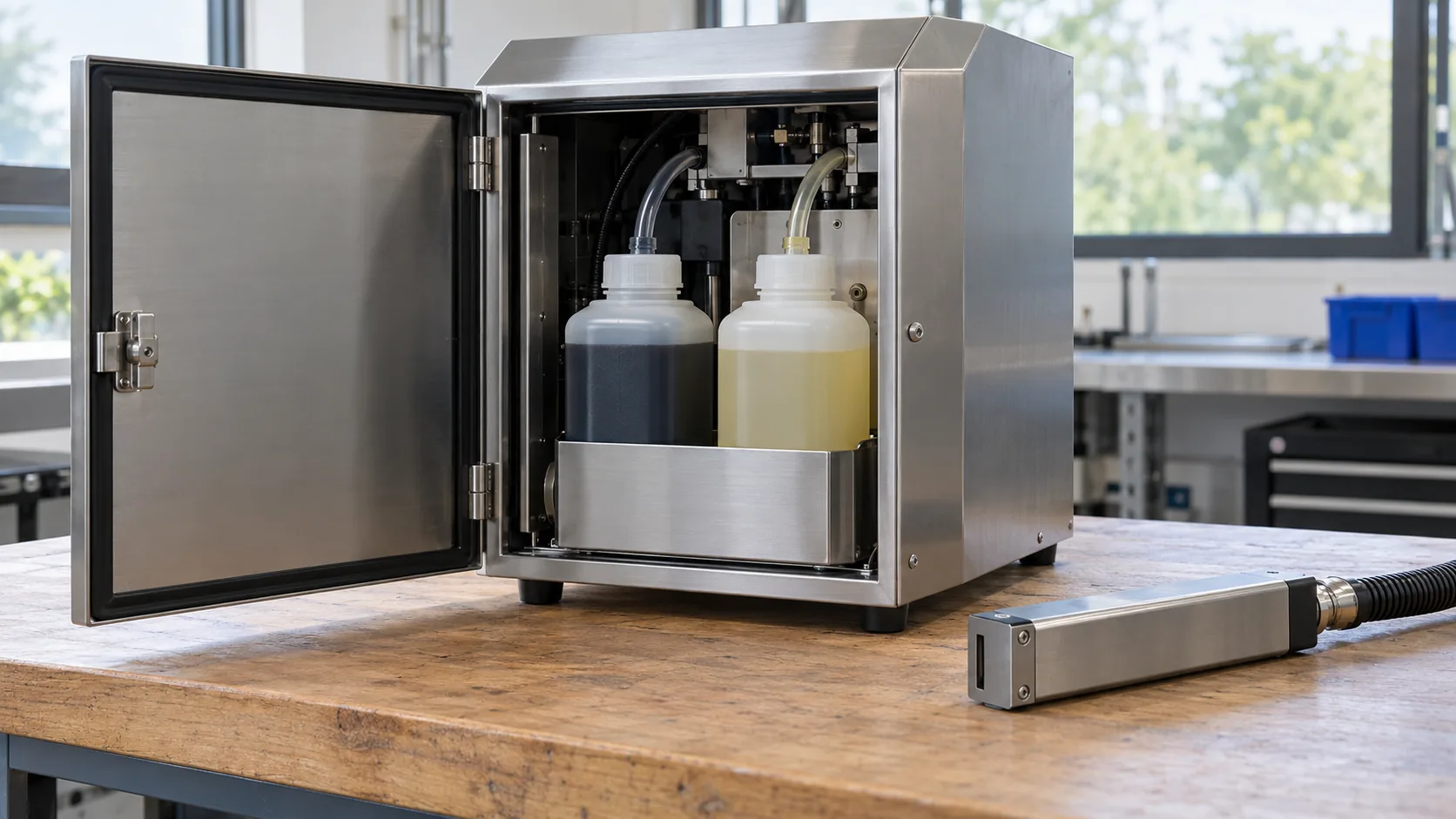
Videojet describes continuous inkjet as non-contact printing for flat and curved surfaces. Its range includes different inks and applications; that breadth does not establish that a particular ink will adhere to your material. Use the manufacturer’s CIJ overview as a technology description, then request a trial on the actual surface.
| Requirement to record | Evidence to bring | Decision it supports |
|---|---|---|
| Package surface and coating | Production material sample and revision | Ink and process shortlist |
| Message and symbol | Exact content, artwork and required dimensions | Print area and inspection approach |
| Position at the station | Package drawing and line observation | Bracket location and access |
| Motion during printing | Measured operating conditions and stops | Trigger and motion compensation review |
| First contact after printing | Conveyor and accumulation observation | Drying and durability trial |
Compare complete arrangements
Use technology labels to organise candidate trials. A non-contact inkjet head, a ribbon-based film coder and a label applicator impose different physical arrangements. Ask the candidate supplier to identify its required support, head clearance, sensing and maintenance access. Do not copy a distance or output rating from another model.
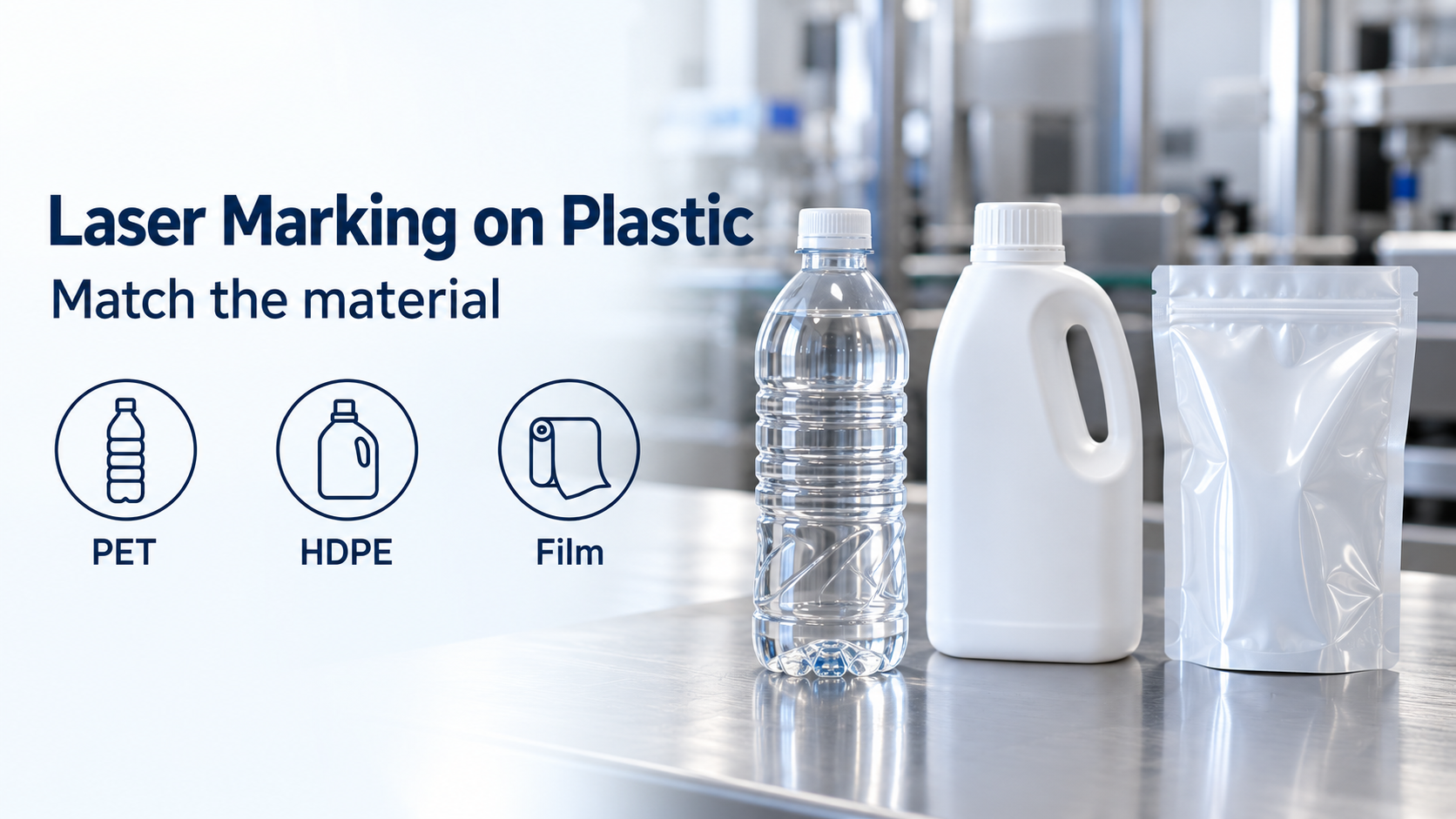
A small date message on a curved bottle and a larger symbol on a carton are separate requirements, even if both are called inkjet coding. Keep the shortlist tied to the message, substrate and geometry. For flexible film, review thermal transfer interfaces before treating a printer swap as a simple bracket change.
Define the print trigger and data ownership
Give the integrator a sequence description: when the package is detected, which message becomes active, when printing occurs and how the line knows the coder is ready. Identify who owns the batch and date fields. A controller acknowledgement that a message was loaded is different from evidence that it was printed on the right pack.
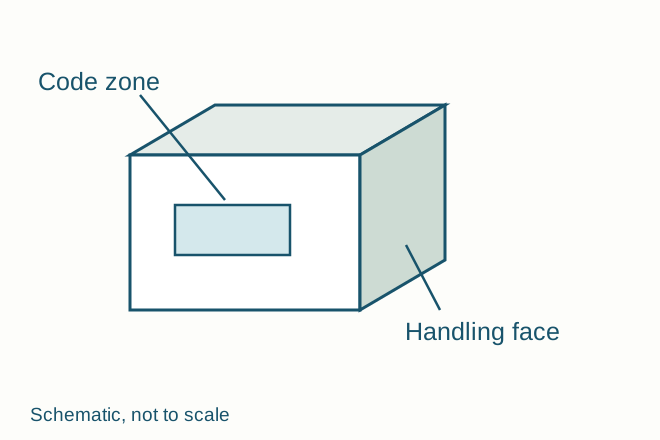
The schematic marks a code face separately from the handling face. It is a drawing convention for this review, not a required machine layout. Use a real package drawing to locate the equivalent areas on your line.
Ask what happens when a sensor sees two close packs, a pack stops under the head or an upstream fault interrupts production. A repeated clean stop on a continuous inkjet printer is also a viscosity event: the make-up and viscosity record is the place for that flush. Record the configured response for each condition. Test message changeover with a retained sample from the old job and the first acceptable sample from the new one.
Run the awkward production conditions
Include the normal operating condition, a planned stop and restart, and the relevant changeover. Decide the sample count and acceptance criteria with the responsible quality and production teams before the trial. Preserve rejected examples as well as accepted ones; an isolated good pack cannot describe the failure pattern.
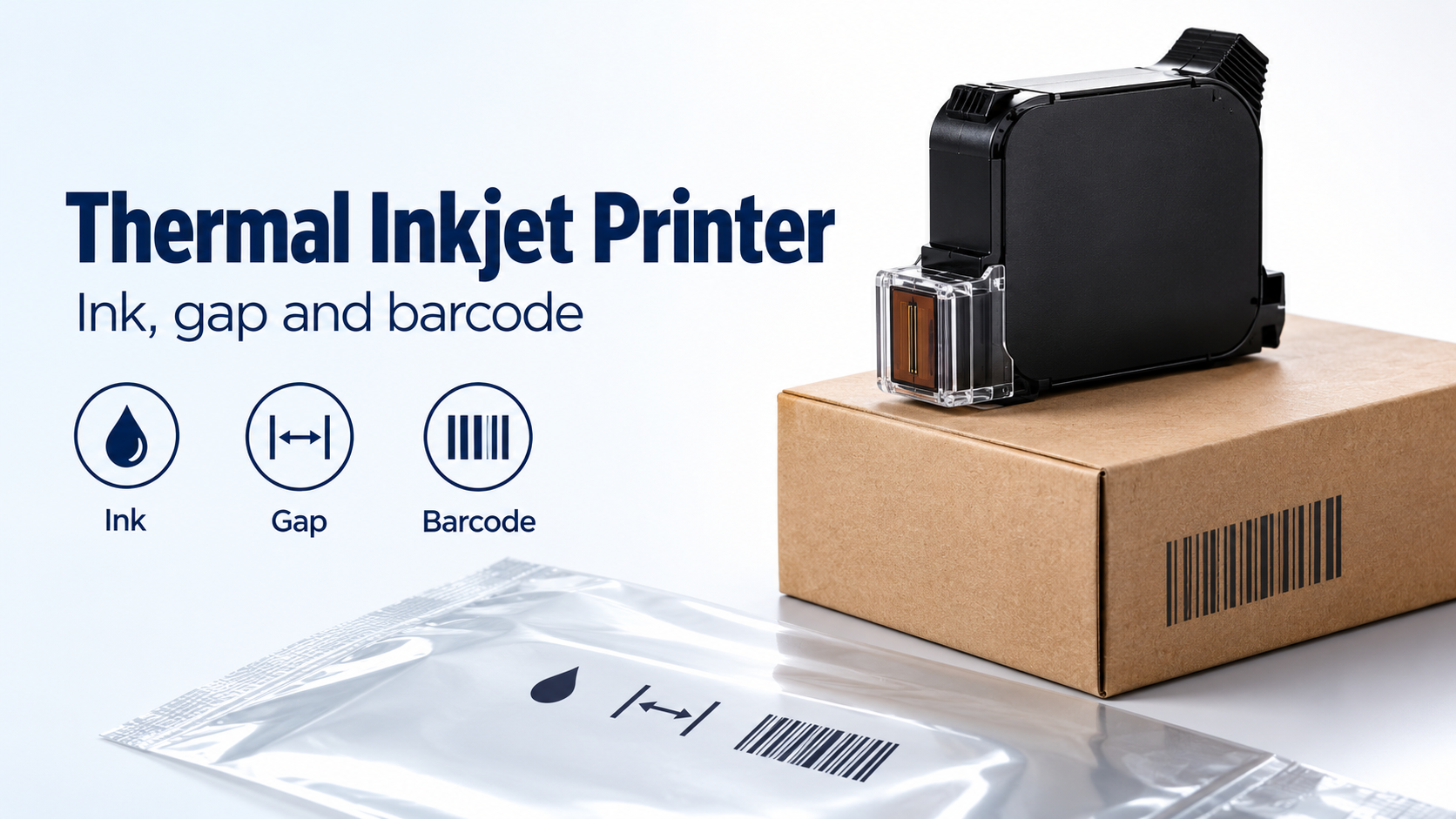
For each condition, record code placement, visible completeness, time until first downstream contact and the result of the agreed durability check. Add photographs of the actual trial samples to the project record. The generic scenes here show the objects to examine and provide no evidence of printing performance.
Release a station specification
For a cartridge-based candidate on cartons or film, check the thermal inkjet printer guide to cartridge inks, throw distance and barcode resolution before freezing the mounting and consumable specification. It distinguishes the ink’s receiving surface from the moving gap and the finished symbol’s quality.
Finish with a record containing the approved package revision, ink and printer configuration, message revision, station drawing and open actions. A candidate stays conditional when one of those inputs remains unknown. Route symbol-quality questions to the barcode verification guide, and use the coding equipment field guide to compare the next process decision.